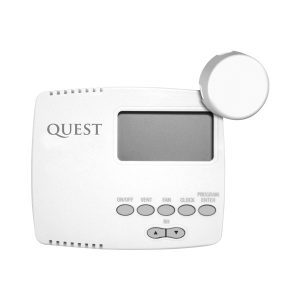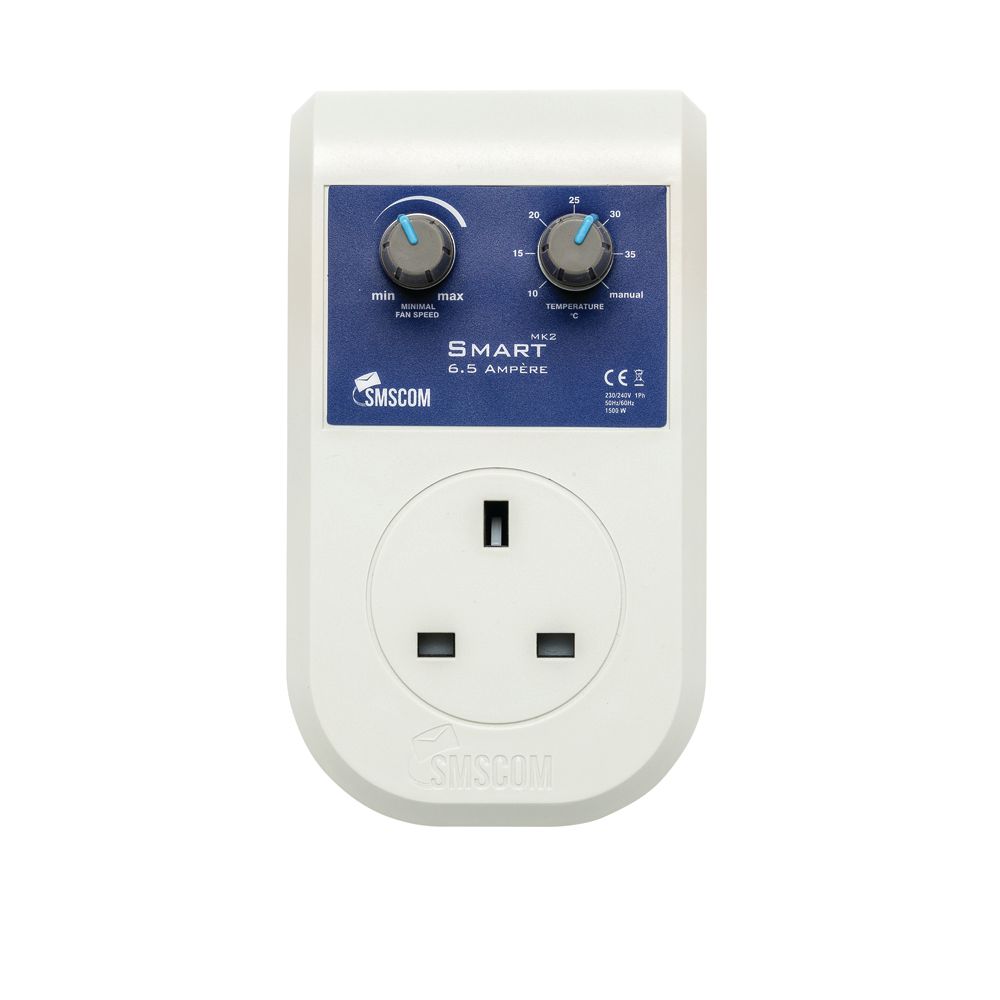
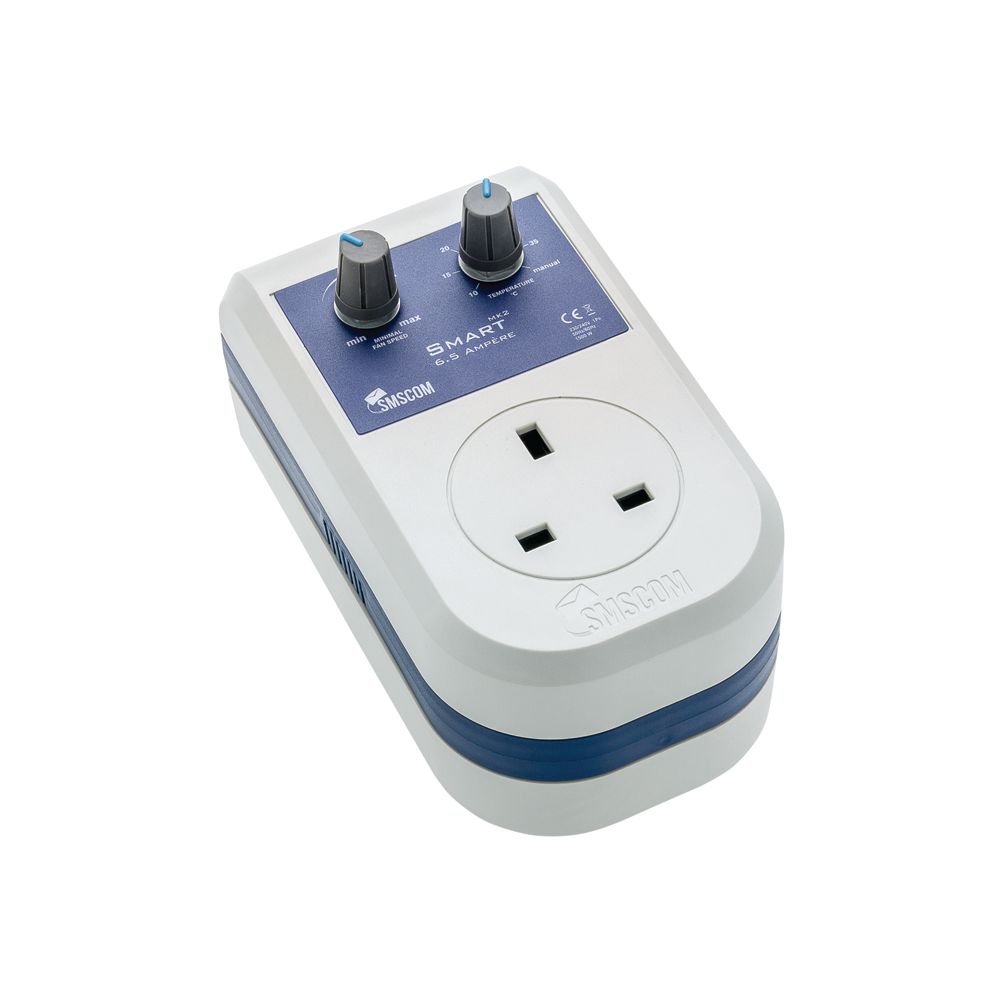


The SMSCOM Smart Controller is designed to maintain a constant temperature inside your room
whilst keeping airflow under control at all times. Once you have set your desired temperature level, the Smart Controller will automatically create the perfect climate.
How it works
The Smart Controller uses our Motion Flow software system; therefore, it reacts completely
differently to the usual types of controllers. When you first install the Smart Controller, it requires 5-10 minutes to scan your room to make an evaluation for the correct running speed for you fan. After this time, the controller knows the exact speed your fan needs to run to maintain the temperature. From then on, the Smart Controller will make automatic adjustments to the fan’s speed to always maintain the set temperature.
The Smart Controller has 60 different speed settings, meaning fan speed control is very smooth and temperature control is the most accurate out of any type of controller.
As well as highly accurate temperature control, this new technology ensures less fan noise and a longer life for your fan. The Smart Controller is plug and play, so no wiring is needed. Just plug in your fan, set the desired temperature and minimum fan speed, and the Smart Controller will take care of the rest.
Usage
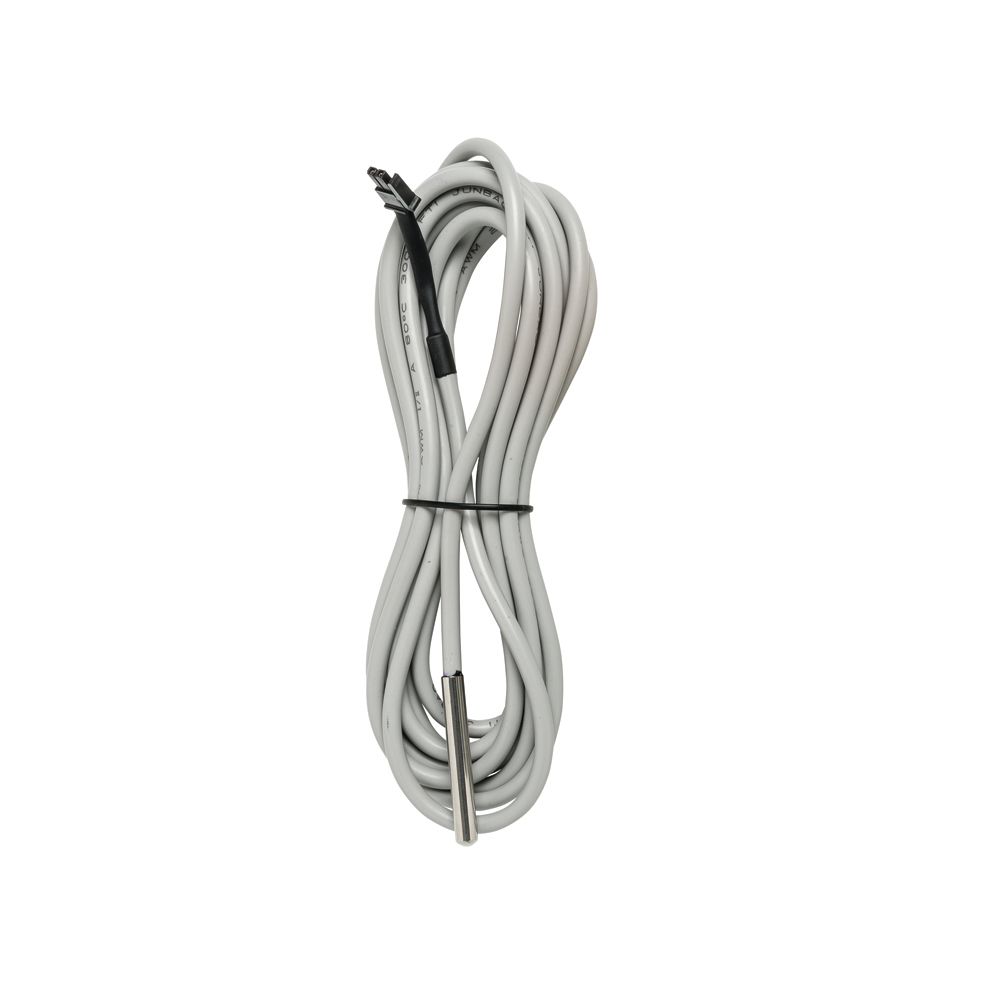
1. Plug the temperature probe in to the Controller
2. Plug the Smart Controller into an electrical outlet
3. Place the Temperature Sensor in the centre of your room
4. Connect your fan to the Smart Controller
5. Set your desired minimum fan speed
6. Set your desired temperature
**1 without probe the Smart Controller operates like a basic manual fan controller.
**Minimum Fan Speed: This is the lowest speed that the fan will run at. The lower this speed is set, the greater range your fan has to operate between. We recommend this is set to its lowest setting. This means the fan will run anywhere between a slow speed and full speed to keep the temperature constant. Adjustments to the lowest speed can be made to suit your fan type if necessary.
Now the Smart controller will perform the scan of your room. BE PATIENT! This can take up to 5-10 minutes!! During the scan, the Smart controller will run for a few seconds at 100% and then at its lowest fan speed setting. After 5 -10 minutes the controller will run at the correct speed and will require no more manual adjustment. The Smart Controller will automatically make adjustments as necessary to maintain the temperature.
Please note: though digital fan speed controllers (like this one) are a very cost-effective solution, they may generate a humming sound. This is an unavoidable consequence of using ‘pulse width modulation’ to regulate fan output. We highly recommend SMSCom Hybrid Fan Speed Controllers, which instead use heavyweight transformers and run completely silent.